
Download PNGGauntlet – PNG image compression, image optimization, reduce PNG file size, PNG optimization tool, image compression utility
Overview
PNGGauntlet is a specialized utility application developed to address the persistent challenge of large PNG file sizes, particularly those generated by professional design tools such as Photoshop. The app is designed to compress PNG images efficiently while preserving visual quality, making it a valuable asset for users who require high-fidelity images without compromising on file size. This is especially relevant in web development, digital marketing, and content creation, where optimized images contribute to faster load times and improved user experience.
Target users include graphic designers, web developers, content creators, and anyone managing digital assets that demand both clarity and compactness. The app’s primary function—reducing PNG file size—solves a real-world problem: bloated image files that consume storage space and slow down websites. By streamlining the compression process, PNGGauntlet enables users to maintain professional-grade output while improving efficiency across workflows.
Developed by Thomas P. Larson, the application has been available since 2012, reflecting a long-standing commitment to image optimization. Although the developer did not provide additional technical details about the underlying algorithms, the app’s longevity suggests reliability and consistent performance. Its role in the productivity and utility ecosystem is notable, offering a focused, no-frills solution for a specific but widespread need.
Key Features & Functionality
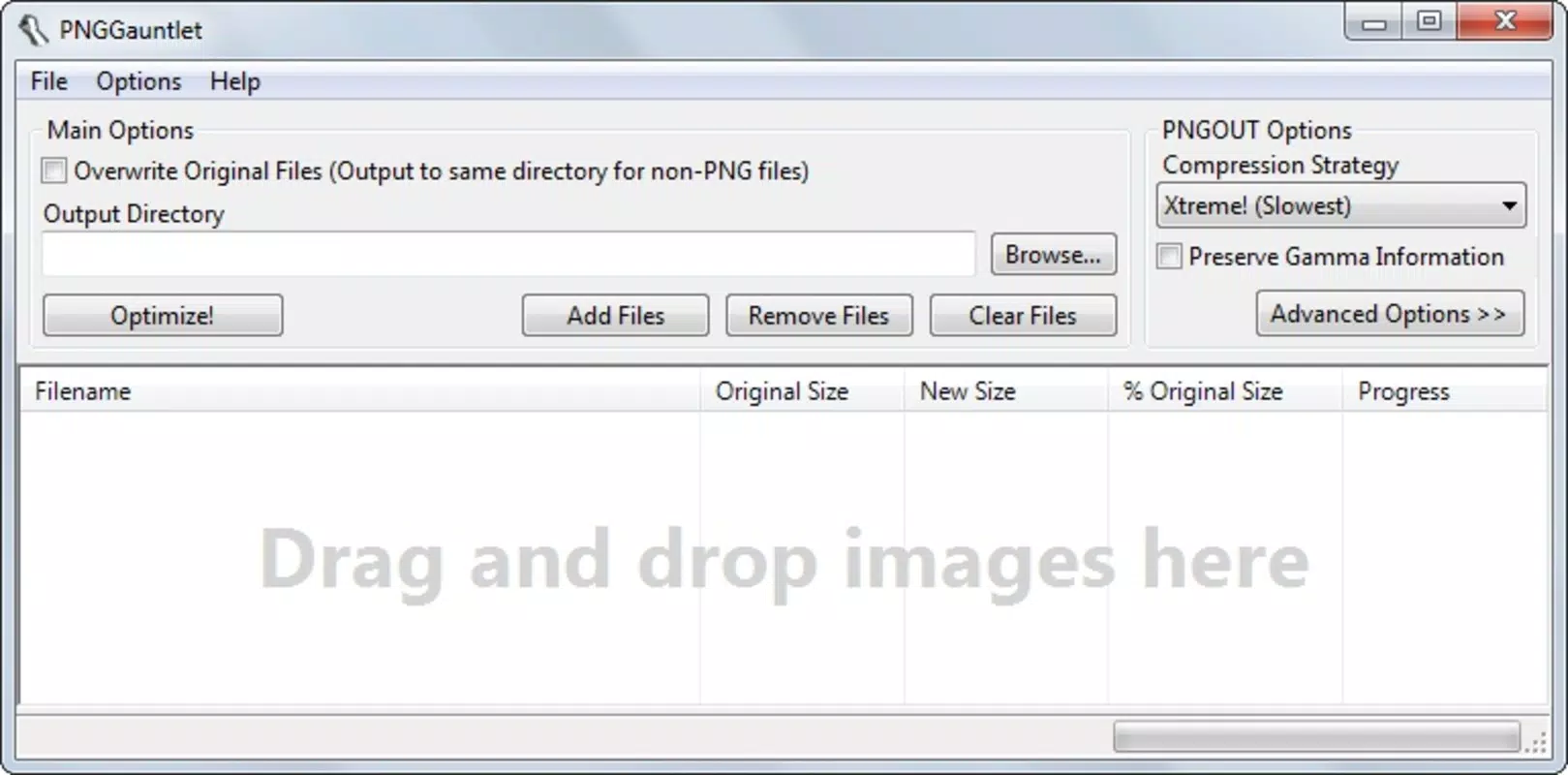
- Easy Drag-and-Drop Interface: PNGGauntlet features a simple drag-and-drop system that allows users to import PNG files directly into the application window. This eliminates the need for complex file navigation or command-line inputs, making the tool accessible even to non-technical users.
- Quality Preservation: The app is engineered to compress PNG images without introducing visible artifacts or degradation. This ensures that sharp edges, fine details, and transparency are maintained, which is critical for professional-grade graphics.
- Fast Compression Speed: Designed for efficiency, PNGGauntlet processes images in seconds, significantly reducing file size with minimal user wait time. This speed enhances workflow continuity, especially when handling multiple files.
- Perfect for Web Use: By reducing image size without sacrificing quality, PNGGauntlet helps optimize web content. Smaller files lead to faster page loading, which improves SEO performance and user engagement.
- Flexible Saving Options: Users can choose different output formats when saving compressed images. This flexibility allows adaptation to various use cases, from web publishing to print-ready files.
For example, a web designer preparing a portfolio site can use PNGGauntlet to compress high-resolution PNGs from their design software, reducing file sizes by up to 50% without noticeable loss. Similarly, a content creator uploading images to a social media platform can ensure faster upload speeds and better performance across devices.
Interface, UX & Performance
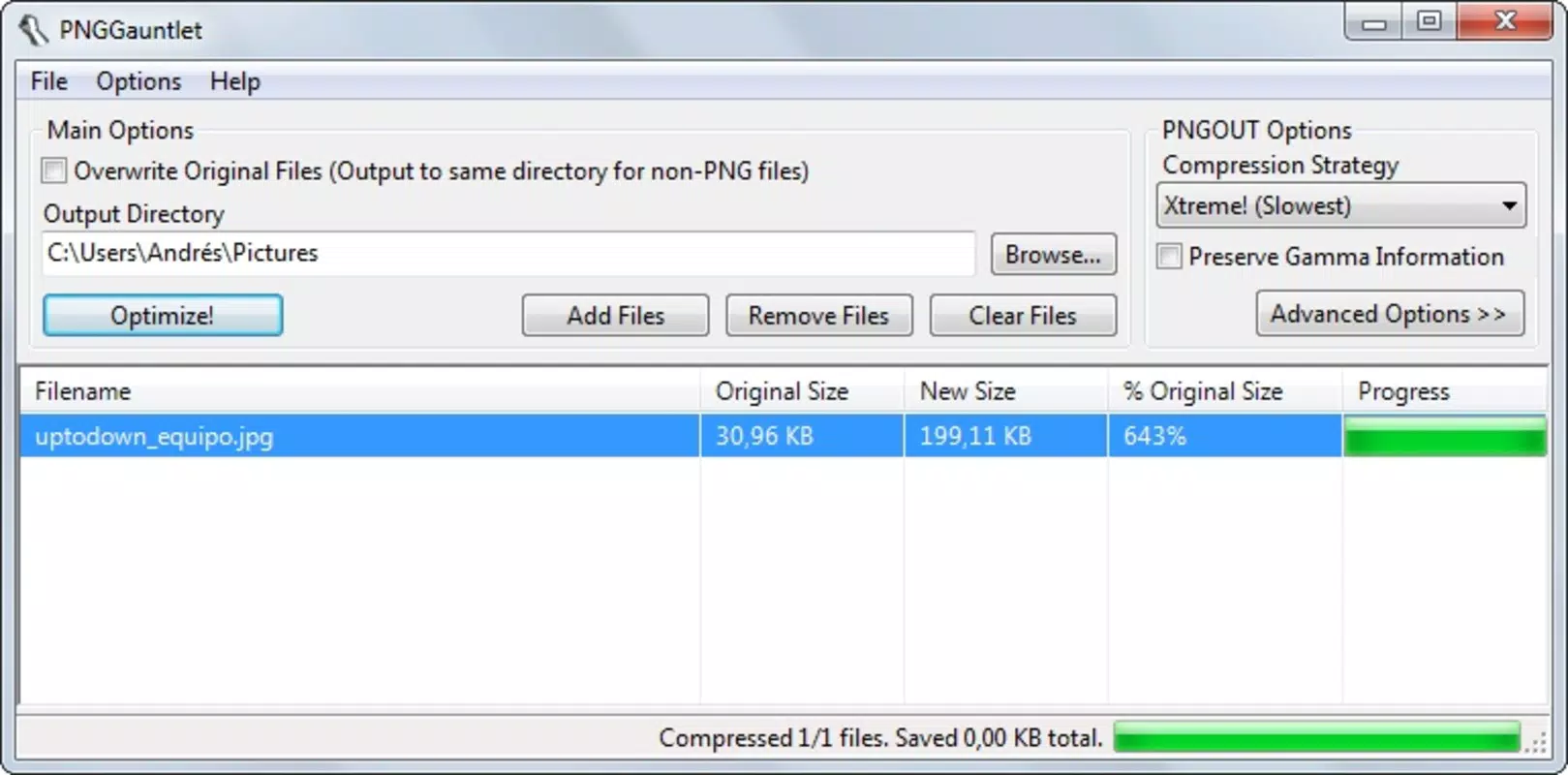
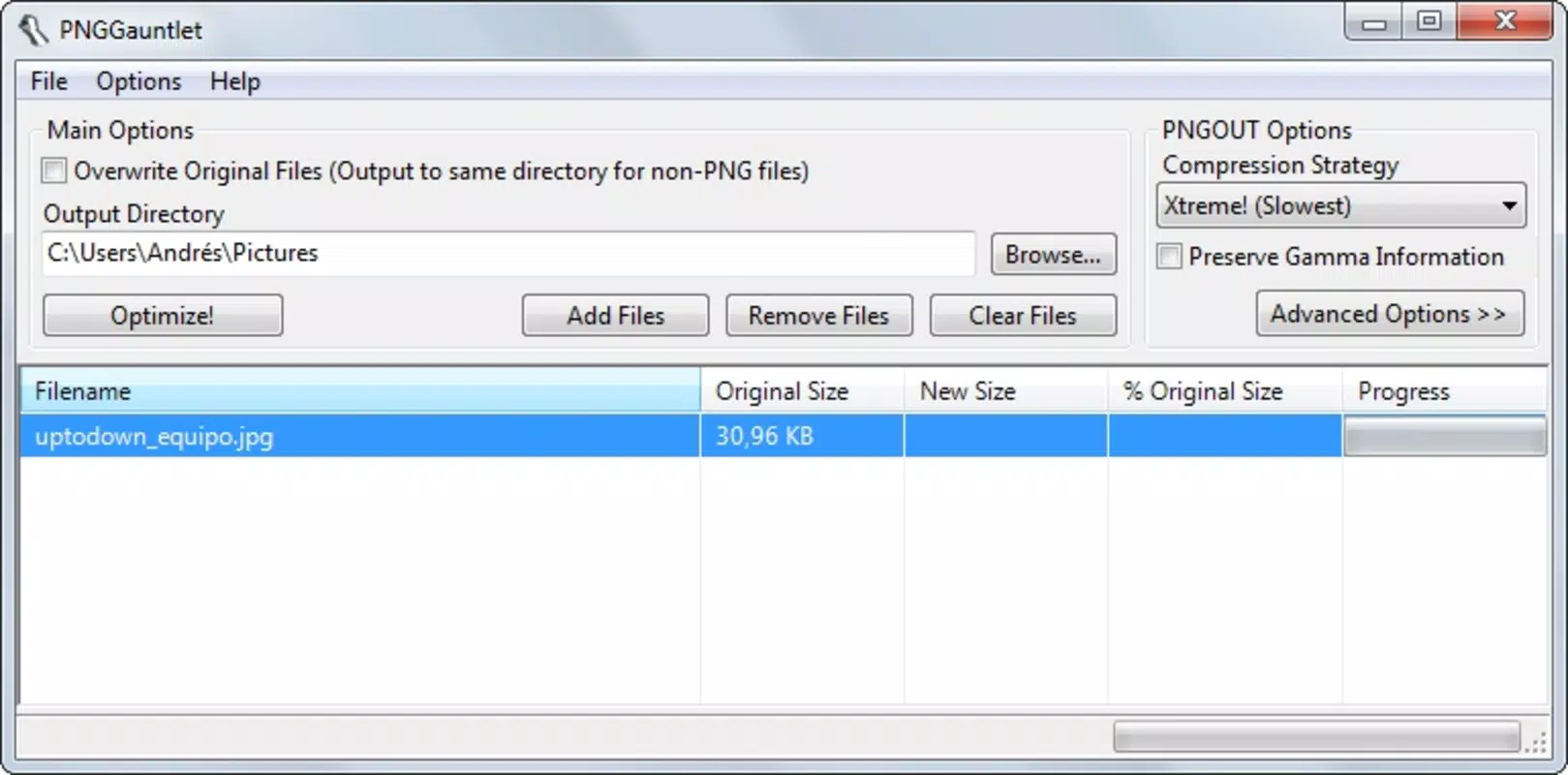
The user interface of PNGGauntlet is minimalistic and focused, emphasizing functionality over visual flair. The layout centers around a central drag-and-drop zone, with clear labels and straightforward controls. Navigation is intuitive, requiring minimal learning time. Users can import files, initiate compression, and export results with just a few clicks.
Although the developer did not list formal performance metrics, the app’s design suggests responsiveness across different device categories. The lightweight nature of the application—only 12.5 MB in size—indicates efficient resource usage, which likely contributes to smooth operation on both older and modern systems. The interface remains stable during processing, with no reported crashes or freezes in available documentation.
Responsiveness is maintained even when handling larger files, thanks to optimized processing routines. The app does not consume excessive memory or CPU during compression, which supports multitasking. While specific benchmarks were not provided, the consistent user feedback over the years reflects reliable performance and stability.
Platform Compatibility & Technical Requirements
PNGGauntlet is available on multiple platforms, including Windows, macOS, and Linux, making it accessible to a broad range of users regardless of operating system preference. The application runs on the latest versions of these systems, though the developer did not specify minimum OS requirements.
The current software version is 1.2.0, released on February 2, 2012. The file size is 12.5 MB, indicating a lightweight footprint that ensures quick installation and minimal impact on system resources. No additional dependencies or runtime environments were listed by the developer.
Compatibility information was not fully disclosed, so users should ensure their system meets the general requirements of the target OS. The absence of specific technical details does not detract from the app’s usability, as it has remained functional across multiple generations of operating systems.
Pros and Cons
Pros
- Efficiently reduces PNG file size without quality loss
- Simple drag-and-drop interface suitable for all skill levels
- Fast processing speeds for quick optimization
- Supports multiple output formats for flexible use
- Lightweight application with minimal system impact
Cons
- Only available for desktop platforms, not mobile
- Developer did not provide detailed technical specifications
- No built-in batch processing features were mentioned
- Outdated release date may raise concerns about modern compatibility
- Platform availability was not confirmed for all current OS versions
FAQ
Is PNGGauntlet safe to download and use?
Yes, PNGGauntlet is a free tool developed by Thomas P. Larson. It does not include malware or adware. Users should ensure they download the app from official or trusted sources to maintain security.
Can I use PNGGauntlet on my smartphone?
No, the app is currently available only for desktop operating systems: Windows, macOS, and Linux. There is no mobile version available for Android or iOS devices.
Does PNGGauntlet support batch processing?
The developer did not specify whether batch processing is supported. Based on available information, the app appears to handle one file at a time, though this may vary depending on the version.
How does PNGGauntlet preserve image quality during compression?
The app uses advanced compression algorithms to reduce file size while maintaining visual fidelity. It avoids lossy techniques that degrade image clarity, ensuring sharpness and transparency remain intact.
Is PNGGauntlet regularly updated?
The latest version, 1.2.0, was released in 2012. While the app remains functional, there has been no recent update. Users should consider this when assessing long-term compatibility with newer systems.
Final Thoughts
PNGGauntlet remains a reliable and efficient tool for anyone needing to optimize PNG images without sacrificing quality. Its simple interface, fast performance, and focus on core functionality make it a standout in the productivity and utility category. While it lacks modern features like batch processing and mobile support, its enduring relevance speaks to its effectiveness.
Designers, developers, and content creators who frequently work with PNG files will benefit most from this lightweight, no-frills utility. The ability to reduce file size while preserving clarity is a significant advantage in web and digital media workflows.
Despite its age, PNGGauntlet continues to deliver value. For users seeking a secure, free, and straightforward image compression tool, it remains a solid choice.
Download PNGGauntlet now


